Seeing a street light blinking erratically is distracting and worrying. Ignoring it can lead to complete failure and safety issues. I'll help you understand the simple reasons this happens.
A blinking LED street light is most often caused by a faulty power supply, also known as the LED driver. Other common causes include loose wiring connections, a failing battery in solar models, or an incompatible control system. It's a warning sign that a component needs attention.
During my time in the factory and now running my own company, I've seen countless lights come back for repair. The number one complaint is always "it's blinking." It looks complicated, but the fix is usually straightforward once you know where to look. It's like being a detective; you just need to follow the clues.
Let's walk through the steps to diagnose and fix this common issue. You'll see that you don't always need to replace the whole fixture. Often, a small adjustment or a single part is all that's required to make it steady again.
How do you fix LED lights that are flashing?
You have a flashing light that's a constant annoyance. You need a clear, safe process to fix it without replacing everything. It's a puzzle that seems harder than it is.

To fix a flashing LED light, start by safely checking all wiring for loose connections. If connections are secure, the next step is to inspect the LED driver (the power supply). Often, replacing this single component will solve the problem completely.
Fixing a blinking light is a process of elimination. As a manufacturer, we build lights with several key parts, and troubleshooting means checking them one by one. Think of it like a solar street light system, which is made of a solar panel, battery, controller, and the light source itself [2]. The problem is almost always in one of those areas. The easiest and most common fix is tightening a loose wire. Vibrations from traffic and weather can sometimes work connections loose over time. In a split-type solar light, you might have multiple connections to check, whereas an integrated two-body light simplifies this a lot [5].
If the wiring is solid, the next suspect is the LED driver or, in a solar light, the controller. The controller is the brain that tells the light when to turn on and what brightness to use [1]. If this brain is malfunctioning, it can send erratic power signals, causing the light to flash. Similarly, in a grid-powered light, the driver converts AC power to the DC power the LED needs. When a driver starts to fail, it can no longer provide a steady current. Replacing the controller or driver is a common and effective solution.
What would make an LED light blink?
You see a blinking light and immediately wonder what's causing it. Is it a simple glitch or a sign of a major failure? The uncertainty can be frustrating.
An LED light blinks because of an inconsistent power supply. This can be caused by a failing LED driver, loose connections, voltage drops in the wiring, a dying battery in a solar setup, or even extreme temperatures affecting the electronic components.
From my experience, the root cause is almost always related to power delivery. The LED chips themselves are very reliable; it's the components that feed them electricity that tend to fail first. I once had a client in a coastal area whose lights were all blinking after a storm. It wasn't the lights themselves, but the salt spray had corroded the connection points, creating a poor electrical path.
Here’s a breakdown of the most common causes:
| Cause of Blinking | Description | How It Applies to Street Lights |
|---|---|---|
| Faulty Driver/Controller | The driver or controller regulates the power going to the LEDs. If it fails, the power becomes unstable. | This is the #1 cause for both grid-tied and solar lights. The controller is a complex part that manages charging and lighting schedules [1]. |
| Loose Wiring | A poor connection anywhere in the circuit can interrupt the flow of electricity, causing a flicker or blink. | This is especially common at the connection between the light fixture and the power source or, in solar lights, between the panel, battery, and light [5]. |
| Low Battery Voltage | In a solar street light, as the battery nears total discharge, the controller may try to power the light, fail, and repeat the cycle. | This happens on systems without enough charging capacity, especially after many cloudy days. It’s why some systems use wind or grid power as a backup [3, 4]. |
| Component Incompatibility | Using a dimmer switch that isn't compatible with the LED driver can cause flickering. | While less common in street lights, mismatched components in a custom or repaired system can lead to this issue. |
| Extreme Temperatures | Very high or very low temperatures can affect the performance of electronic components, especially batteries and drivers. | For example, standard lithium batteries struggle in cold climates, which can affect their ability to deliver stable power [5]. |
How to tell if an LED is burned out?
A section of your street light is dark. You need to know if the LED chip is dead or if it's another, simpler problem. Wasting time and money on the wrong diagnosis is frustrating.

A truly burned-out LED will be completely dark and will not flicker. On close inspection, you can often see a tiny black dot or a burn mark in the center of the individual LED chip. If other LEDs in the same fixture are working, the problem is isolated to that specific chip.
It's important to distinguish between a blinking light and a dead one. Blinking means the power is trying to get there but is being interrupted. A dead LED means the component itself has failed completely, or there is zero power reaching it. I remember a project where a client thought they had dozens of burned-out LEDs. When we inspected, we found that a single wire had come loose in the main junction box, cutting power to an entire section. The LEDs were perfectly fine.
Here is a simple checklist to follow:
- Observe the Behavior: Is it flickering or completely off? Flickering points to a power issue. Completely off points to a burned-out LED or a total power cut.
- Perform a Visual Inspection: Get a close look at the LED chip itself. Most modern street lights use an array of many small LEDs. If you see a black spot on one, that specific diode has failed.
- Check for Partial Failure: If only some of the LEDs in a fixture are out, it confirms the problem is with the LEDs themselves and not the main power supply. Power is reaching the fixture, but some diodes have failed. This is different from the entire fixture blinking.
- Consider the System Type: In a 分体式 (split-type) system, components are separate, making it easier to test and replace just the light head [1]. In an integrated all-in-one light, a failed LED often means you have to replace the entire unit, which can lead to higher after-sales costs [3].
Does LED flickering mean I need new lights?
You see a flickering light and immediately think about the high cost of replacement. You're worried about a big expense, but you're not sure if it's truly necessary. Must you buy a whole new fixture?
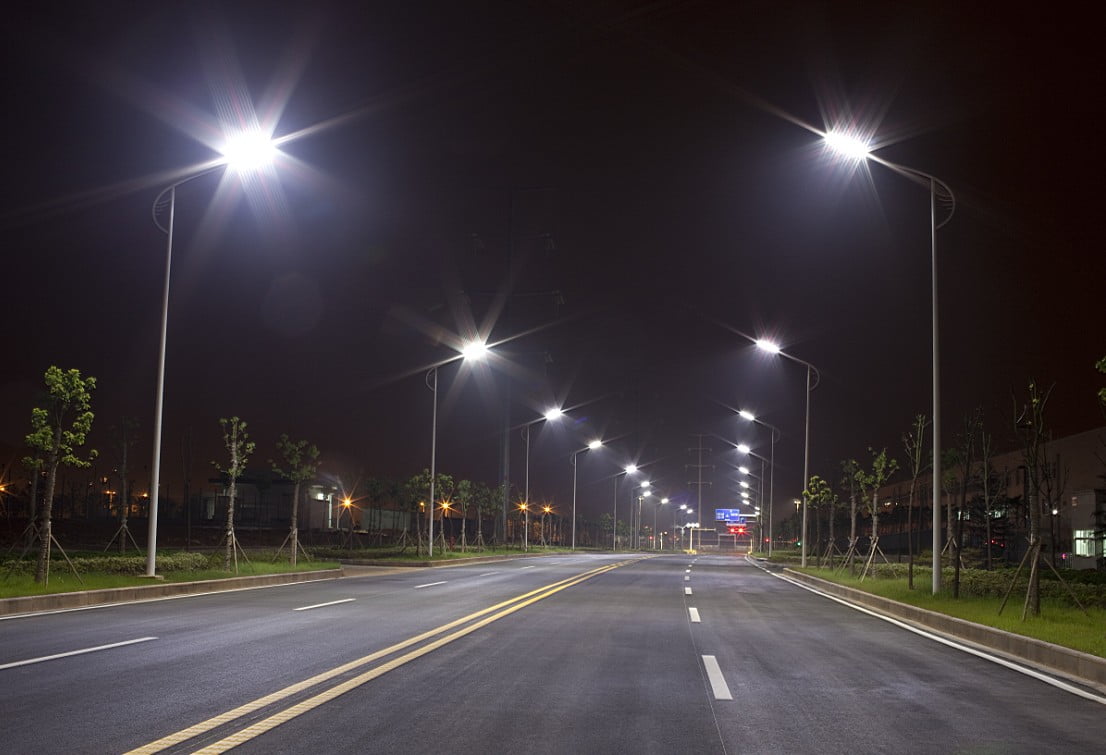
No, LED flickering rarely means you need a whole new light. It's a symptom that a smaller, replaceable component—usually the LED driver or a loose connection—is failing. It's a maintenance alert, not a death sentence for the entire fixture.
This is one of the biggest misconceptions I have to clear up for my clients. The beauty of modern LED systems is that they are modular. You can replace the parts. Think of a solar street light system: it's made of a panel, a battery, a controller, and a light source [2]. If the light blinks because the battery can no longer hold a stable charge, you replace the battery, not the whole pole. The same logic applies to the LED driver. It's an internal power supply that costs far less than the entire fixture.
Deciding whether to repair or replace comes down to a simple cost-benefit analysis. A repair is often the best choice when:
- The problem is a single component: Replacing a driver or a controller is fast and economical.
- The fixture is relatively new: There’s no reason to discard a fixture with years of life left in it.
- The design allows for easy maintenance: This is a key advantage of split-type systems over some highly integrated models where getting to the internal components can be difficult [1, 3].
However, you should consider a full replacement if the fixture is very old, replacement parts are no longer available, or if it has suffered extensive physical or water damage. But for simple flickering, always investigate first. A simple repair can save you a lot of money.
Conclusion
A blinking street light is usually a sign of a bad connection or a failing power driver, not a dead light. Troubleshooting these parts often leads to a simple, inexpensive repair.